





News
- Home
- Service
- Product Center
- Application
- About Us
- Videos
- News
- Contact Us

2026-01-10 11:11:50
A weak cellular signal is one of the most common reasons for slow or unstable 4G internet connections.If you are using a 4G LTE router in a remote area,industrial environment,or inside a building with thick walls,connecting an external 4G antenna to your router can significantly improve signal strength and network stability.
In this guide,we will explain how to connect an external 4G antenna to a router,what equipment you need,and how to optimize performance after installation.
Why Use an External 4G Antenna?

Most 4G routers come with built-in internal antennas,which are often limited in gain and range.An external 4G antenna offers several advantages:
Stronger signal reception in low-coverage areas
Higher data speeds and more stable connections
Reduced latency for industrial or IoT applications
Better penetration through walls and obstacles
This is especially important for outdoor routers,industrial 4G routers,mobile units,and rural installations.
Check If Your Router Supports an External 4G Antenna
Before connecting an external antenna,confirm that your router supports it.Most 4G LTE routers have one or more antenna ports on the back panel,typically labeled:
ANT/LTE/4G
MAIN/AUX
MIMO Antenna Ports
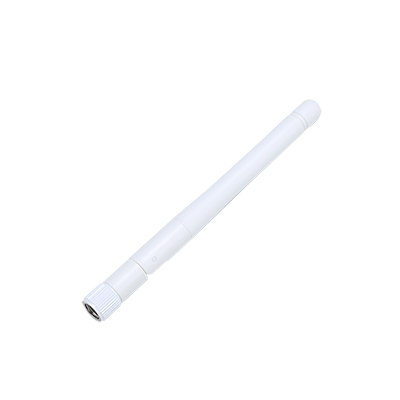
Common antenna connector types include SMA,RP-SMA,TS9,and CRC9.Make sure the antenna connector matches your router,or use a proper adapter.
Choose the Right External 4G Antenna
Selecting the correct antenna is essential for best performance.Consider the following factors:
Frequency compatibility:Ensure the antenna supports the LTE bands used by your carrier(e.g.,700–2600 MHz).
Antenna type:
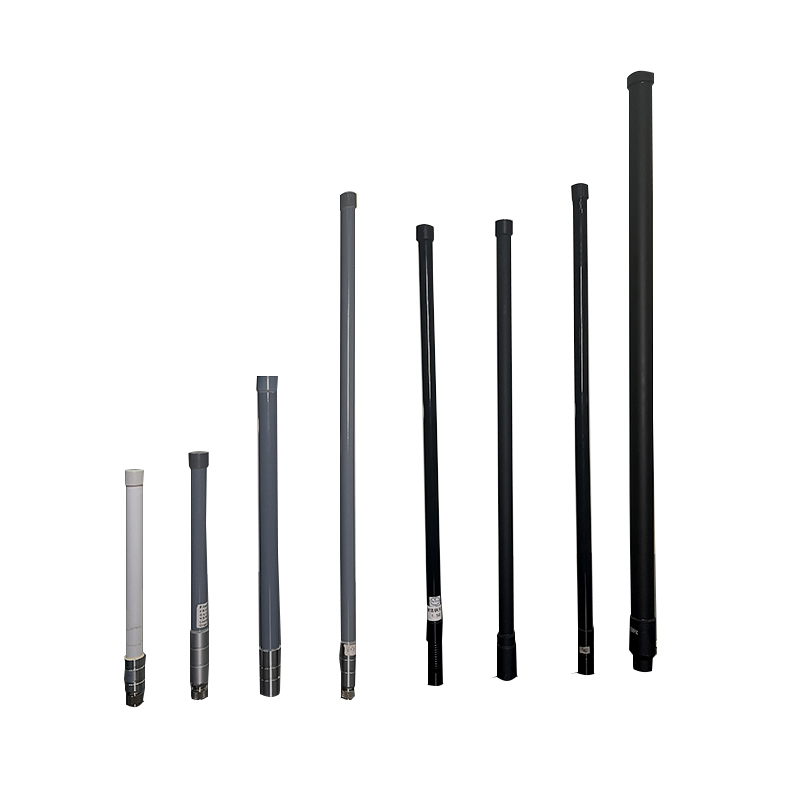
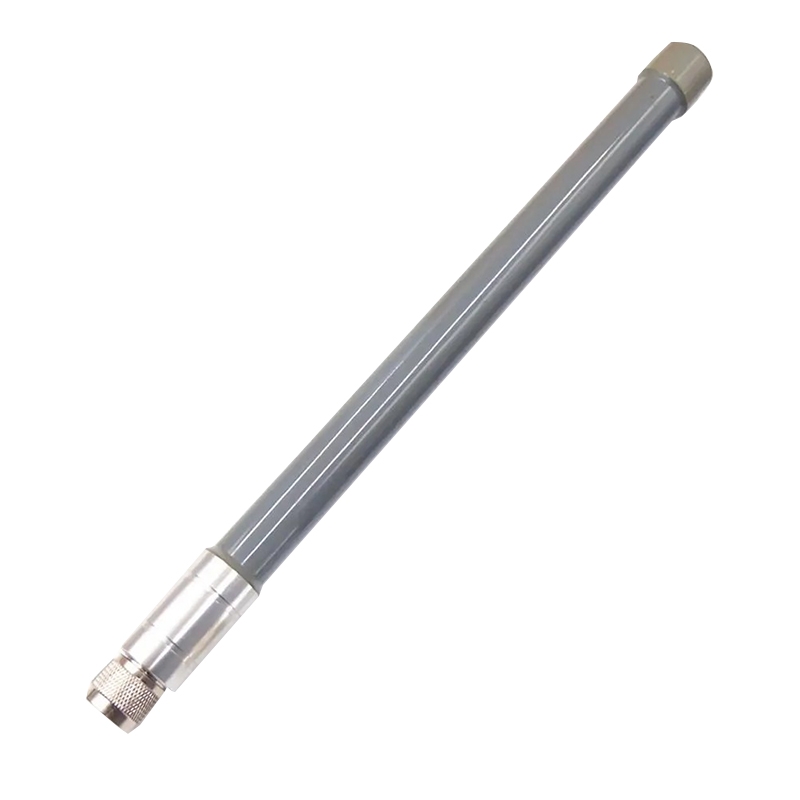
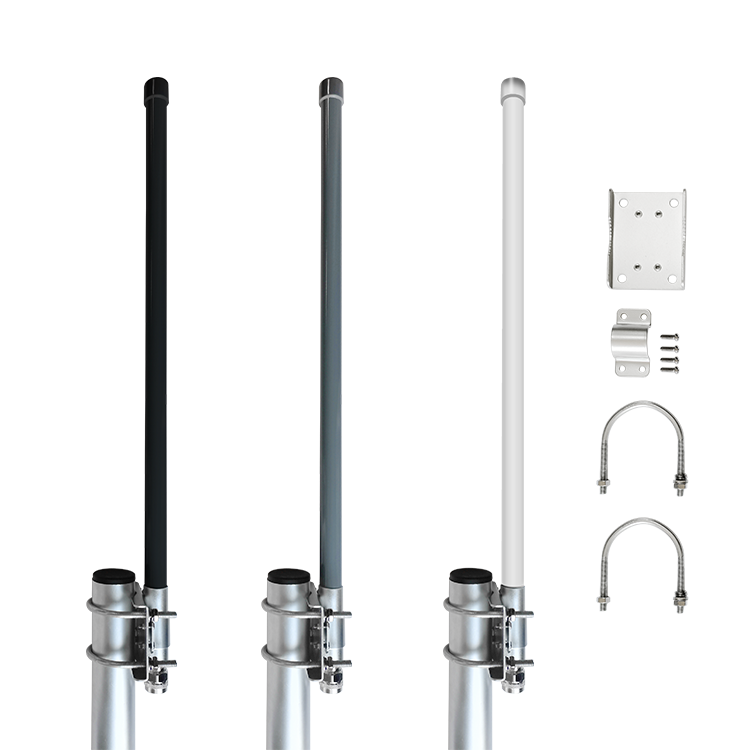
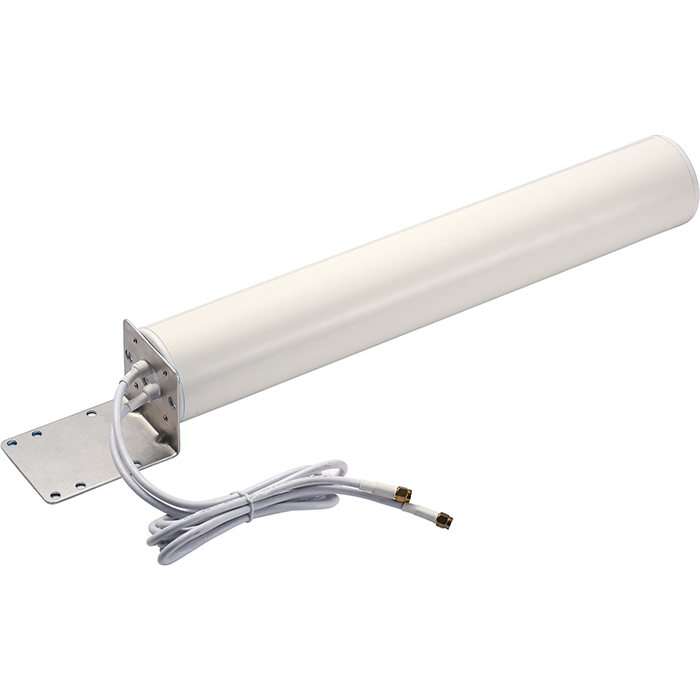
OmniDirectional Antennas are suitable for urban areas with multiple base stations.
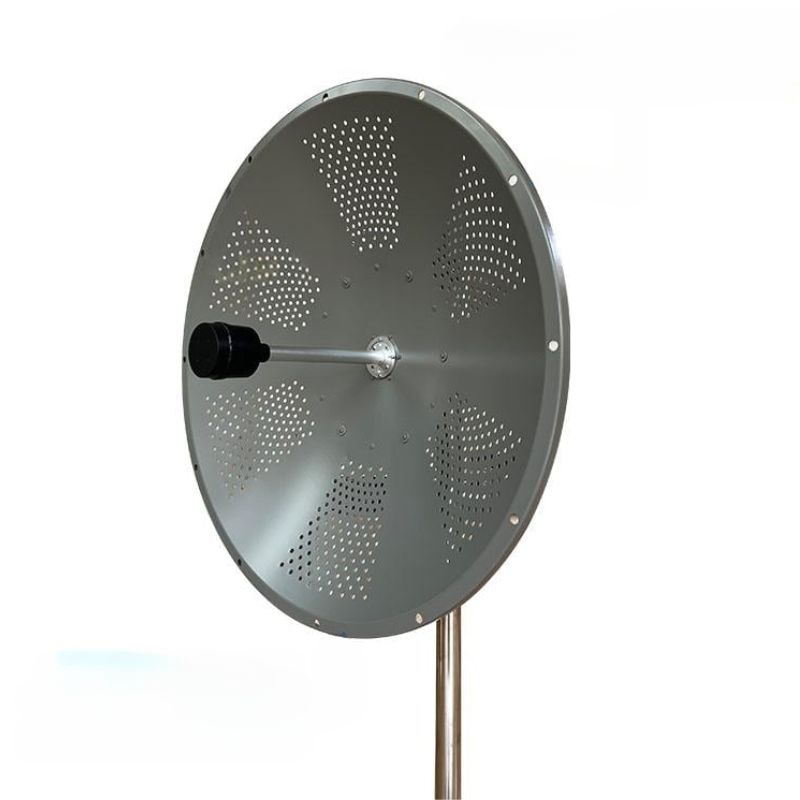
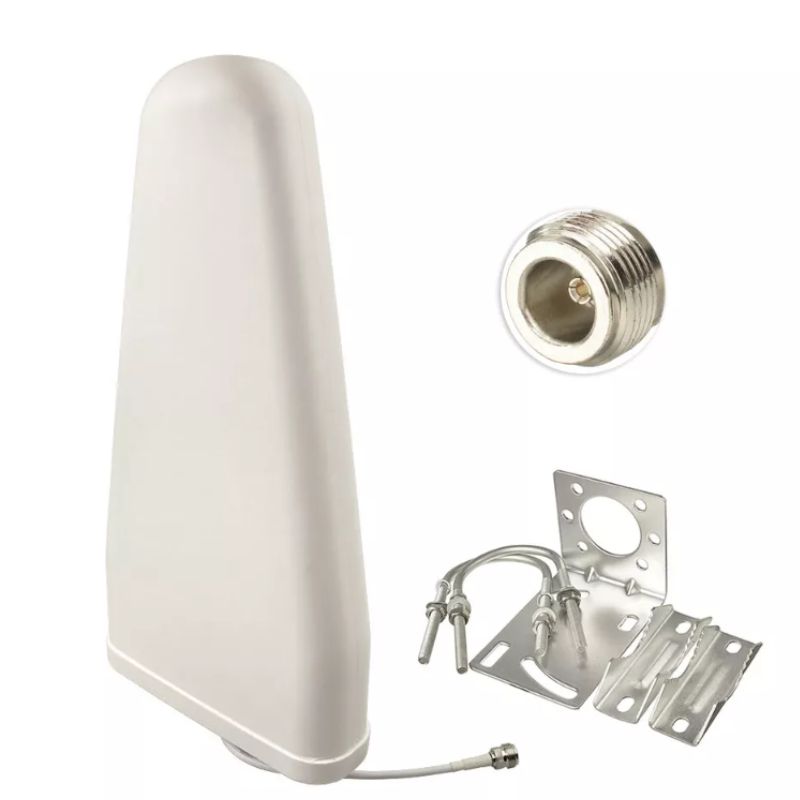
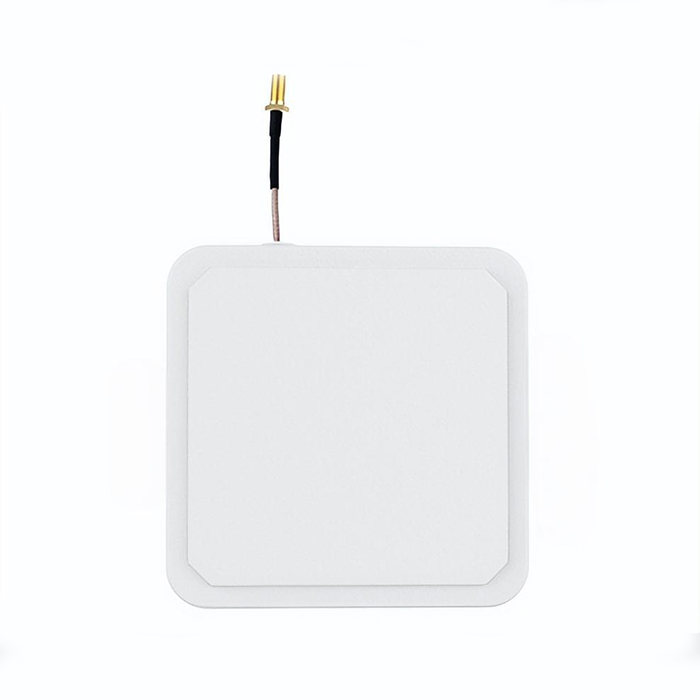
Directional Antennas(Yagi or Panel Antennas)are ideal for rural areas and long-distance signal reception.
Gain(dBi):Higher gain usually means better signal,but requires more precise positioning.
How to Connect an External 4G Antenna to a Router
Follow these steps to properly connect the antenna:
Power off the router
Always turn off the router before connecting or disconnecting antennas to avoid potential damage.
Locate the antenna ports
Identify the 4G/LTE antenna connectors on your router.For MIMO routers,there are usually two ports.
Attach the antenna cables
Screw or snap the antenna connectors firmly onto the router ports.Avoid over-tightening.
Position the antenna correctly
For indoor antennas,place them near windows or high locations.
For outdoor antennas,mount them on a pole or wall facing the nearest cell tower.
Power on the router
Turn the router back on and wait for it to reconnect to the 4G network.
Optimize Signal After Installation
Once the external 4G antenna is connected,you can further optimize performance:
Access the router’s admin panel and check RSRP,RSSI,SINR,or signal bars.
Adjust the antenna direction slowly to find the strongest signal.
Use shorter,low-loss coaxial cables to minimize signal attenuation.
For MIMO antennas,ensure correct polarization and spacing.
Common Problems and Troubleshooting
If the signal does not improve after installation:
Verify that the antenna supports the correct LTE bands.
Check connector compatibility and cable integrity.
Make sure the router is set to use external antennas(some models require manual selection).
Test different antenna locations or heights.
Final Thoughts
Knowing how to connect an external 4G antenna to a router can make a noticeable difference in network reliability and speed.Whether for home internet,industrial networking,or mobile applications,the right antenna and correct installation can greatly enhance 4G performance.
If you are planning long-term or mission-critical deployments,investing in a high-quality external 4G antenna and professional-grade router is highly recommended.



Address: No.1 Sankeng Qinghutou Tangxia Dongguan Guangdong China TaiWan office: 558-2 ZhongHua,Zhubei,Xinzhu,Taiwan
Copyright © 2026 Dongguan RenFeng Electronic Technology Co.,Ltd All rights reserved.